 Activity Cleaner
Delete every comment you've left
Old jokes, old arguments, old you. Activity Cleaner clears Instagram's Comments page for you, batch by batch.
- No password needed
- Free to start
- Cancel anytime
What it does
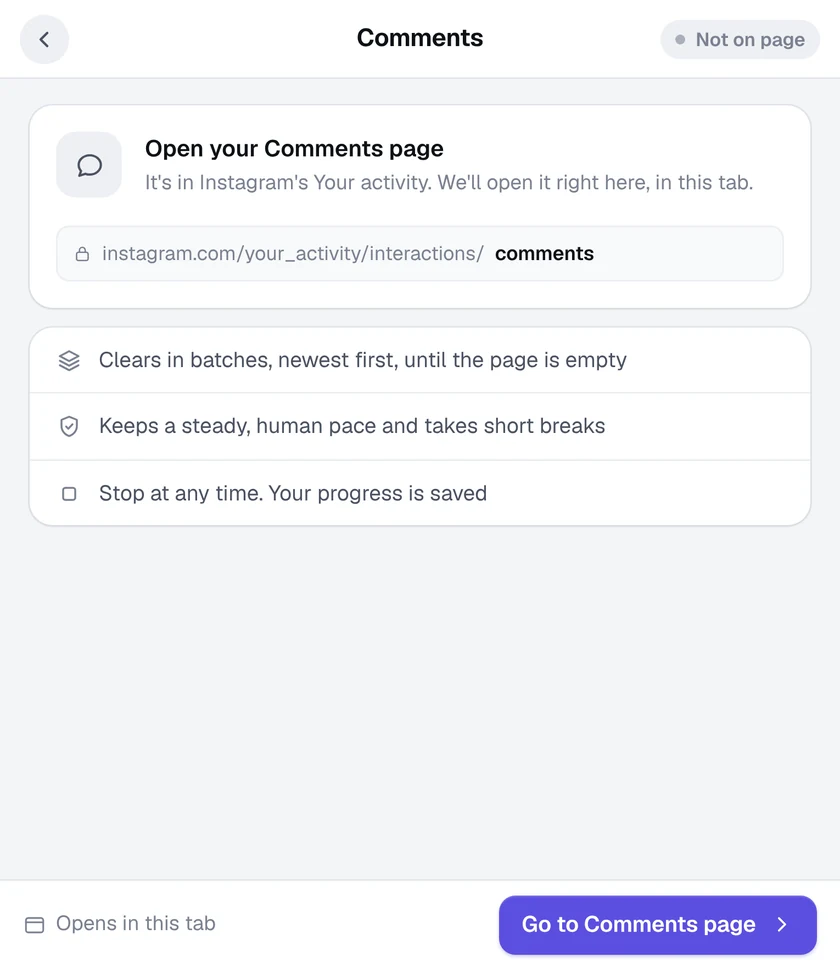
- Your Comments page, emptied. It works on Your activity, Comments, where Instagram lists every comment you've written.
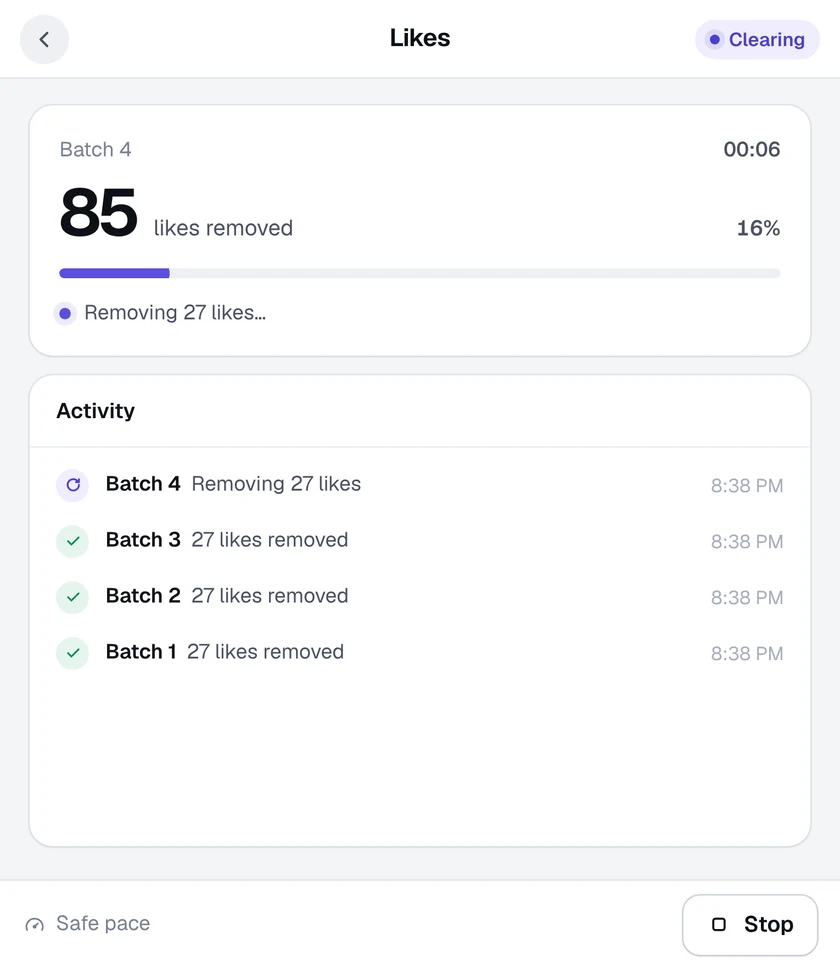
- Newest first, in batches. Comments are removed in batches with short safety breaks between them.
- Runs in the background. Use other tabs while it works, and get a desktop alert when it's done.
- Exact counts. A comment is only counted once Instagram confirms it's gone.
How it works
- 1
Open the Comments tool
Click the Activity Cleaner icon and choose Comments. Your Comments page opens.
- 2
Start clearing
Press Start clearing and Activity Cleaner removes them batch by batch.
- 3
Pause any time
Stop or pause whenever you like. Your progress is saved.
Questions
Does it delete comments other people left on my posts?
No. It removes the comments you have written, as listed on Instagram's Your activity, Comments page.
Why does it need Instagram in English?
The Comments tool reads Instagram's Your activity page. If it asks for English, switch Instagram's language to English in Settings, reload the page and try again.
Can I undo it?
No. Instagram doesn't offer an undo for deleted comments.
More tools in Activity Cleaner
Mass unfollowSee who doesn't follow you back, then unfollow in bulk.Who unfollowed meFind out who unfollowed you since you last checked.Delete postsDelete old posts in bulk, by date.Unlike allUnlike every post you've ever liked.Unsave postsUnsave everything, a collection, or just some.Remove repostsClear reposts from your profile.

Ready when you are.
Add Activity Cleaner to Chrome, open Instagram and pick a tool. Your first 25 removals are on us, every day.